
Create a DialClear account
Sign up at dialclear.co with your email or Google, then add a card and buy tokens so lookups can run.
2 min read
Before you start
- An email address you can open
Tip
Signing up is free. Nothing is charged until you buy tokens or start a subscription.
Sign up at dialclear.co when you want to screen numbers by hand, upload a list, or connect your own software through the API. If your contacts live in LeadConnector, you can skip this and install DialClear from the App Marketplace instead.
Sign up
Step 1. Open the sign up page
Go to dialclear.co and choose Get started free. You can also open the sign in page and choose Create an account at the bottom.
Step 2. Fill in the form
Type your first name, last name, email and a password of at least 8 characters, then choose Create account.
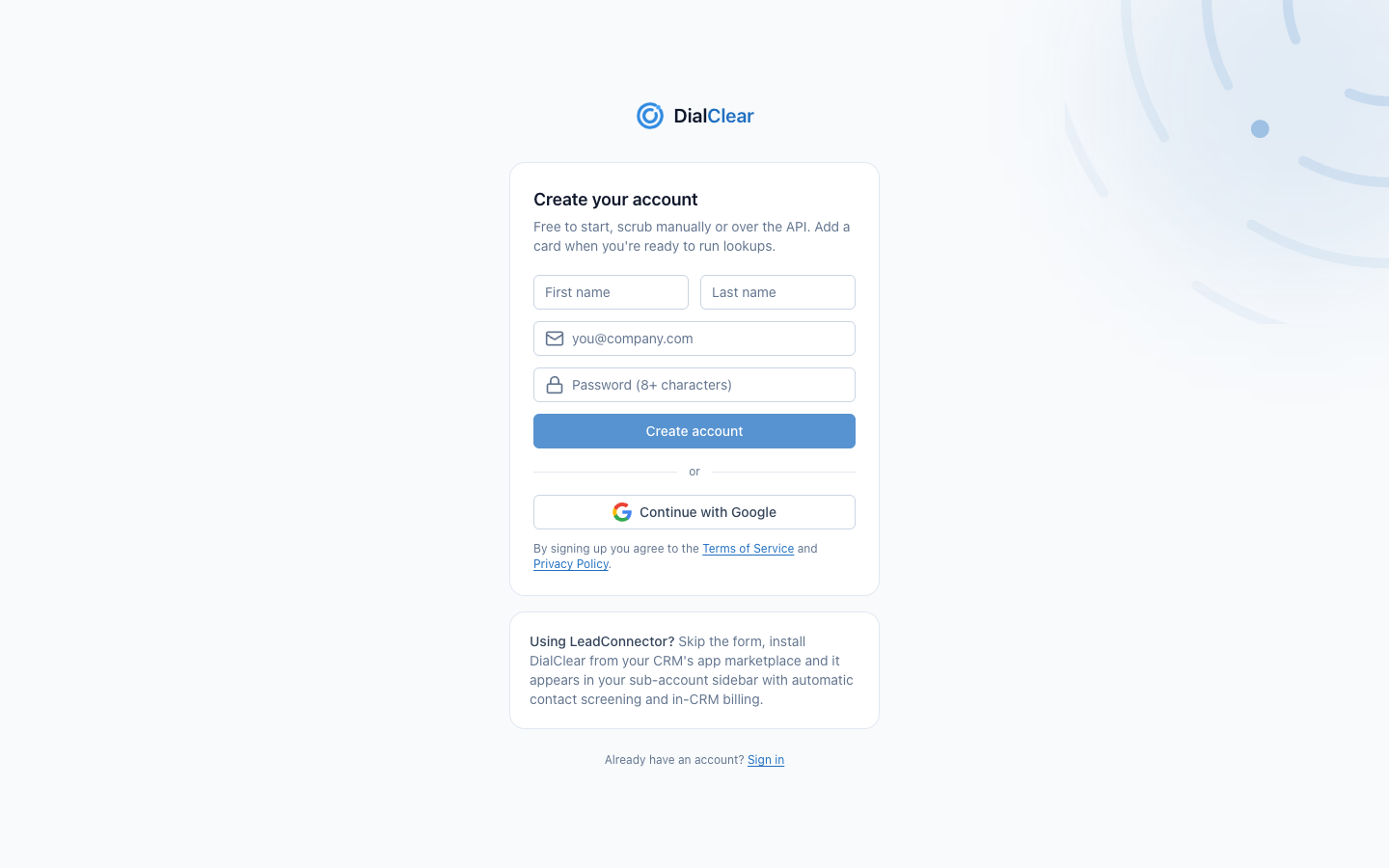
- Your first name, last name, email and password. The password needs at least 8 characters.
- Create account opens your portal right away. There is no email to confirm first.
- Continue with Google signs you up with your Google account instead, with no password to remember.
Signing up means you agree to the Terms of Service and Privacy Policy linked under the form.
Step 3. Land on your Overview
DialClear opens your Overview page. It stays empty until you run your first lookup, see Looking up one number by hand. See Read your Overview page.
Get ready to run lookups
A new account starts with a token balance of zero. Lookups do not run until you have tokens.
Step 1. Add a card
Open Billing at the bottom of the left menu and choose Add card. See Manage billing and subscriptions.
Step 2. Buy tokens
Open Tokens and buy any amount from $10. See Buy tokens for your lookups.
Frequently asked questions
It says an account with this email already exists
That email already has a DialClear account. This happens when you opened DialClear inside your CRM before, since that creates your account from your CRM email. Go to the sign in page and use Email me a sign-in link to get in. See Sign in to DialClear.
I do not see the Continue with Google button
The button only shows when Google sign in is available. Use the email and password form instead. You can add a passkey later from your profile.
Do I need a card to sign up?
No. You only need a card when you are ready to buy tokens or start a subscription.